Browse

Log in / Register
 Share
Share
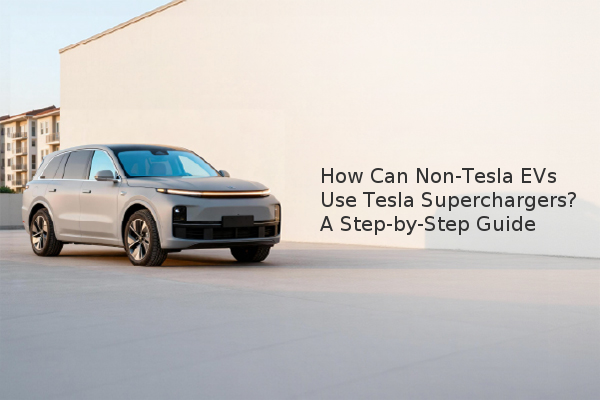
Non-Tesla electric vehicles can now use select Tesla Supercharger stations in the U.S., requiring only the Tesla app and a compatible charging cable. This landmark shift, beginning with stations in New York and California, breaks down a major barrier in the EV charging infrastructure. The process hinges on a hardware accessory called a Magic Dock, which adapts Tesla's proprietary connector to the CCS Combo (Combined Charging System) plug used by most other automakers. For non-Tesla owners, this means access to Tesla's vast and reliable fast-charging network is finally a reality.
The key is using the official Tesla app, which acts as your gateway to the network. You cannot initiate a charge without it.
Based on our assessment experience, relying solely on in-car navigation or third-party apps may not provide real-time data on Magic Dock availability, making the Tesla app the most reliable source.
Once you've located a compatible station, the physical process is straightforward but has one key difference from charging a Tesla.
Tesla offers two distinct payment plans for non-Tesla EV owners, providing flexibility depending on how often you plan to use the network.
| Payment Plan | Cost | Best For |
|---|---|---|
| Pay Per Charge | Variable rate based on electricity cost and time of use. | Occasional users or those on road trips who need a quick charge. |
| Membership | Reported to be $12.99 per month for reduced charging rates. | Frequent users who rely on the Supercharger network regularly. |
The membership model can offer significant savings if you use Superchargers multiple times a month. It's advisable to calculate your expected usage against the monthly fee to see which option is more cost-effective for you.
To successfully charge a non-Tesla at a Tesla Supercharger, you must have the Tesla app installed and ready, confirm station compatibility before you go, and be prepared for a slightly different process than Tesla owners experience. While the initial rollout is limited to specific states, Tesla's plan to expand access globally signals a major step toward unified EV charging. This move enhances convenience for all EV drivers and helps accelerate the adoption of electric vehicles by making long-distance travel more practical.